Fitbit Air vs Whoop 5.0: Which Screenless Band Is Worth Your Money?
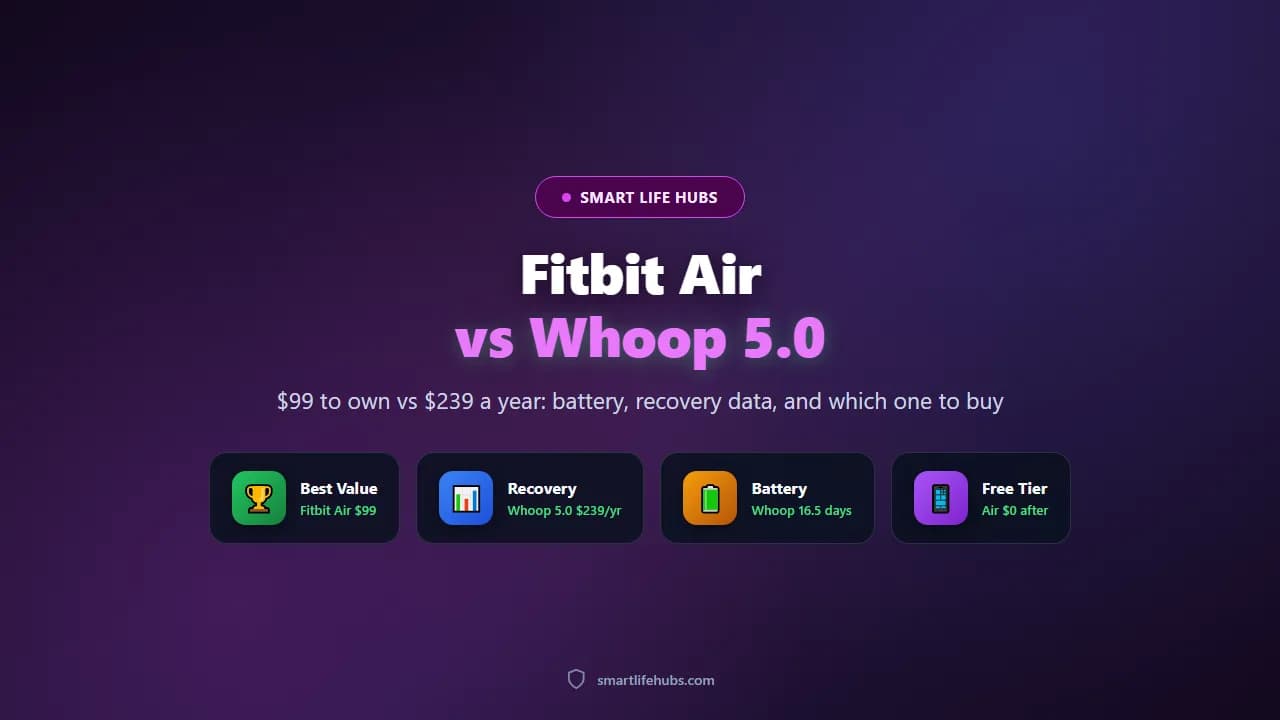
Both the Fitbit Air and the Whoop 5.0 are screenless bands that track your heart rate, sleep and recovery while staying invisible on your wrist. They solve the same problem in completely different ways. The Air is a $99 device you own outright and can keep using for free. The Whoop 5.0 is only available inside a membership that starts at $199 a year and is effectively the price of the hardware plus the software together. One is a purchase, the other is a subscription you can never stop paying.
The honest answer depends on what you want. If you want basic health tracking with good battery life and no ongoing bill, the Fitbit Air is the better value and PCMag names it the best screen-free fitness tracker it has tested. If you want the most detailed recovery and strain data available and you will actually use the coaching, Whoop justifies its price. For most people, the Air wins on cost over any realistic period of ownership.
I pulled PCMag’s head-to-head and its individual reviews, TechRadar’s spec comparison, and BGR’s and Sportskeeda’s breakdowns. Where a figure is a claim rather than a measurement, I say so. Prices are US street prices as of November 2026.
At a glance
| Product | Best for | Key specs | Price |
|---|---|---|---|
| Fitbit Air | Best value | Screenless, 5.2 g tracker, 7-day battery, free core tracking, optional Premium | $99 plus optional $9.99 a month |
| Whoop 5.0 | Best recovery data | Screenless, 14-day battery with power pack, strain and recovery scores | $239 a year with Peak membership |
| Whoop MG | Best sensors | Adds ECG and a smarter case to the 5.0 platform | $359 a year with Whoop Life |
| Whoop One | Cheapest Whoop | Includes the older Whoop 4.0 hardware | $199 a year |
| Amazfit Balance 3 | Best with a screen | AMOLED display, 15-day battery, no subscription for core tracking | About $250 |
Fitbit Air vs Whoop 5.0 head to head
Price and ownership
This is the decisive difference. The Fitbit Air costs $99.99 once, and after the three-month Premium trial ends you can keep using the band on the free tier of the Google Health app for activity, sleep and heart rate. Premium, which unlocks the AI Health Coach, costs $9.99 a month or $99.99 a year. PCMag worked out that with Premium you pay $198.99 for the first 15 months and then $99.99 a year, which means you are effectively paying for the tracker again every year if you subscribe.
Whoop does not sell the hardware on its own. The 5.0 comes with the Peak membership at $239 a year, which includes the band, a black SuperKnit strap and a wireless power pack. The base Whoop One at $199 a year includes the older 4.0 hardware and locks stress monitoring and Whoop Age behind the Peak tier. If you stop paying, the band stops delivering data, so there is no owned version of the product.
Battery and charging
Whoop wins here, and it is the strongest argument for the subscription. The 5.0 lasted 16.5 days in PCMag’s testing, more than double the Air’s just over eight days, and it ships with a wireless power pack that charges the tracker while you wear it, so you never have to take it off. The Air lasted just over eight days in the same testing and recharges from empty to full in about 70 minutes, with a five-minute top-up giving roughly a day.
For a band you wear every night to track sleep, not having to remove it to charge is a genuine quality-of-life advantage, and it is the feature most likely to make a Whoop owner stay one.
Tracking and accuracy
Both track heart rate, sleep stages, resting heart rate and recovery without a screen. The Air adds a Daily Readiness Score and a weekly Cardio Load target, and PCMag found its heart rate readings accurate throughout the day. Whoop’s strength is the depth of its recovery model: it gives you a daily strain score, a recovery percentage and coaching that tells you how hard to push, which is why it is the choice for athletes who train deliberately rather than just move more.
One caveat worth knowing: BGR reported that even the $200-a-year Whoop One plan lacks real-time stress monitoring, heart rate variability detail and respiratory rate, and that you need the $240-a-year Peak plan for those. Whoop’s granular data is real, but the useful tier is the more expensive one.
Hardware and comfort
The Air is the lighter device. The tracker capsule weighs 5.2 grams and about 12 grams with the band, against 27 grams for either Whoop. The Air is rated to 5 ATM, or 50 metres, while the Whoop is IP68 to 10 metres, so the Air has the better water resistance on paper. Both are screenless, so neither gives you notifications or a clock, and neither has built-in GPS, which means both need your phone for outdoor distance tracking.
Comfort is personal, but the Air’s smaller capsule is easier to forget, and the fabric Performance Loop band comes in four colours. Whoop’s SuperKnit band is designed for 24-hour wear including swimming and showering.
Software and coaching
Whoop Coach is the more established product, built around recovery and strain, and it has had years to mature. Google Health Coach is newer but PCMag called it a significant strength, describing far superior AI-powered health and fitness guidance than competing offerings, which is a notable verdict for a first-generation feature. The difference in practice is that Whoop’s coaching is included in the price you are already paying, while Google’s sits behind Premium.
The cheaper alternatives
If you want a screenless band and neither price appeals, the Amazfit Balance 3 at about $250 gives you an AMOLED display, a 15-day battery and core tracking with no subscription, so it is the pick if you want to see your stats on your wrist. The Whoop One at $199 a year gets you into the Whoop ecosystem with older hardware and fewer metrics.
Living with each one
The Air is the easier device to forget, which is the point. You put it on, it tracks, and once a week you dock it for about an hour. There is no screen to distract you and no app ritual to maintain, and because the free tier shows your sleep and heart rate, most owners never open the Premium upsell. The trade-off is that you have to look at your phone to see anything, so if you want to glance at your heart rate mid-workout, the Air cannot show you.
The Whoop demands more of you and gives more back. The morning recovery score is the ritual: you wake up, check your percentage, and decide whether today is a hard day or an easy one. That loop is genuinely useful if you train with intent, and it is the reason Whoop owners stay subscribed. It also means the band becomes part of your routine, and if you stop engaging with the app, you are paying $239 a year for a band you ignore.
Sleep tracking is where both earn their keep, and where the charging difference matters most. With the Air you need to remember to charge it, and if you forget at night you lose sleep data. With the Whoop and its power pack, you can charge while you sleep, so the data is never interrupted. For anyone tracking sleep seriously, that is a real advantage rather than a gimmick.
Both bands handle the same daily reality: no notifications, no clock, no contactless payments, and no GPS. If you are coming from a smartwatch, the first week feels like a downgrade. If you are coming from nothing, both feel like a quiet upgrade, and the Air costs less than a pair of running shoes.
Worth being clear about what neither one is: a medical device. Both estimate heart rate with optical sensors and both derive recovery from heart rate variability and sleep, so the numbers are useful for spotting trends rather than diagnosing anything. If you want a proper ECG, neither the Air nor the standard Whoop 5.0 provides one, and you would need the Whoop MG at $359 a year.
Which one should you buy?
Buy the Fitbit Air if you want a tracker you own. At $99 with a free tier that still tracks activity, sleep and heart rate, it is the best value in the category. PCMag names it the best screen-free fitness tracker it has tested, and the eight-day battery means charging once a week.
Buy the Fitbit Air if you are a beginner. PCMag specifically recommends it for fitness beginners, because the free data is enough to build habits and you are not locked into a subscription to see your own numbers.
Buy the Fitbit Air if you want a screenless band but also swim. At 5 ATM it has better water resistance than the Whoop’s IP68 to 10 metres, and it is the lighter device at 5.2 grams.
Buy Whoop 5.0 if recovery data is the point. If you train hard and want daily strain and recovery guidance that tells you whether to push or rest, the 14-day battery with a wearable power pack and the mature coaching are worth $239 a year.
Buy Whoop 5.0 if you hate charging. The power pack that charges the band on your wrist is the single best hardware feature here and the reason many owners never switch.
Buy the Amazfit Balance 3 if you want a screen. At about $250 with a 15-day battery and no subscription for core tracking, it is the alternative if the screenless idea does not suit you.
Do not buy Whoop if you will not use the coaching. A subscription that stops working when you stop paying is a poor deal for someone who only wants step counts and sleep duration.
Do not buy the Air if you want on-wrist stats. With no display at all, everything lives in the app, so if you like glancing at your heart rate during a run, a band with a screen will serve you better.
Do not buy either if you want GPS. Both rely on your phone for outdoor distance, so runners and cyclists who leave the phone at home will lose route data.
Think about the rest of the kit. Our fitness tracker roundup covers the broader category, and our no-subscription smart ring guide covers the rings if you would rather wear the tracker on a finger.
Frequently asked questions
Frequently Asked Questions
6For most people, yes. The Air costs $99 once and still tracks activity, sleep and heart rate on the free tier, while Whoop requires a membership starting at $199 a year and stops delivering data if you stop paying. Whoop is worth it if you will use its recovery and strain coaching.
No. The core tracking is free in the Google Health app. Google Health Premium at $9.99 a month or $99.99 a year adds the AI Health Coach, fitness plans and deeper guidance, and the Air includes a three-month trial.
Google rates it for up to seven days, and PCMag measured just over eight days in testing. A full charge takes about 70 minutes and a five-minute top-up gives roughly one day.
Up to 14 days, and 16.5 days in PCMag’s testing. It ships with a wireless power pack that charges the tracker while you wear it, so you do not have to remove it.
No. Neither the Air nor the Whoop 5.0 has built-in GPS, so both rely on your phone for outdoor distance and route tracking.
It stores up to a week of motion data and a day of workout metrics and syncs over Bluetooth to the Google Health app on Android 11 or iOS 16.4 and later. You need the phone for the full picture and for GPS.
The bottom line
The Fitbit Air is the better buy for most people: $99 once, a free tier that still tracks activity, sleep and heart rate, an eight-day battery, 5 ATM water resistance and a 5.2 gram capsule that is lighter than the Whoop. The Whoop 5.0 is the better tracker if you want serious recovery and strain data and will use the coaching, with a 14-day battery and a power pack that charges it on your wrist, but it costs $239 a year and stops working if you stop paying. If you want a screen instead, the Amazfit Balance 3 at about $250 gives you one with a 15-day battery and no subscription. TechRadar’s Fitbit Air vs Whoop comparison reached the same conclusion on the value question. The honest summary is that the Air is a product and the Whoop is a service, and which one you should buy depends on whether you want to own the hardware or rent the insight. Which side are you on? Tell us in the comments.